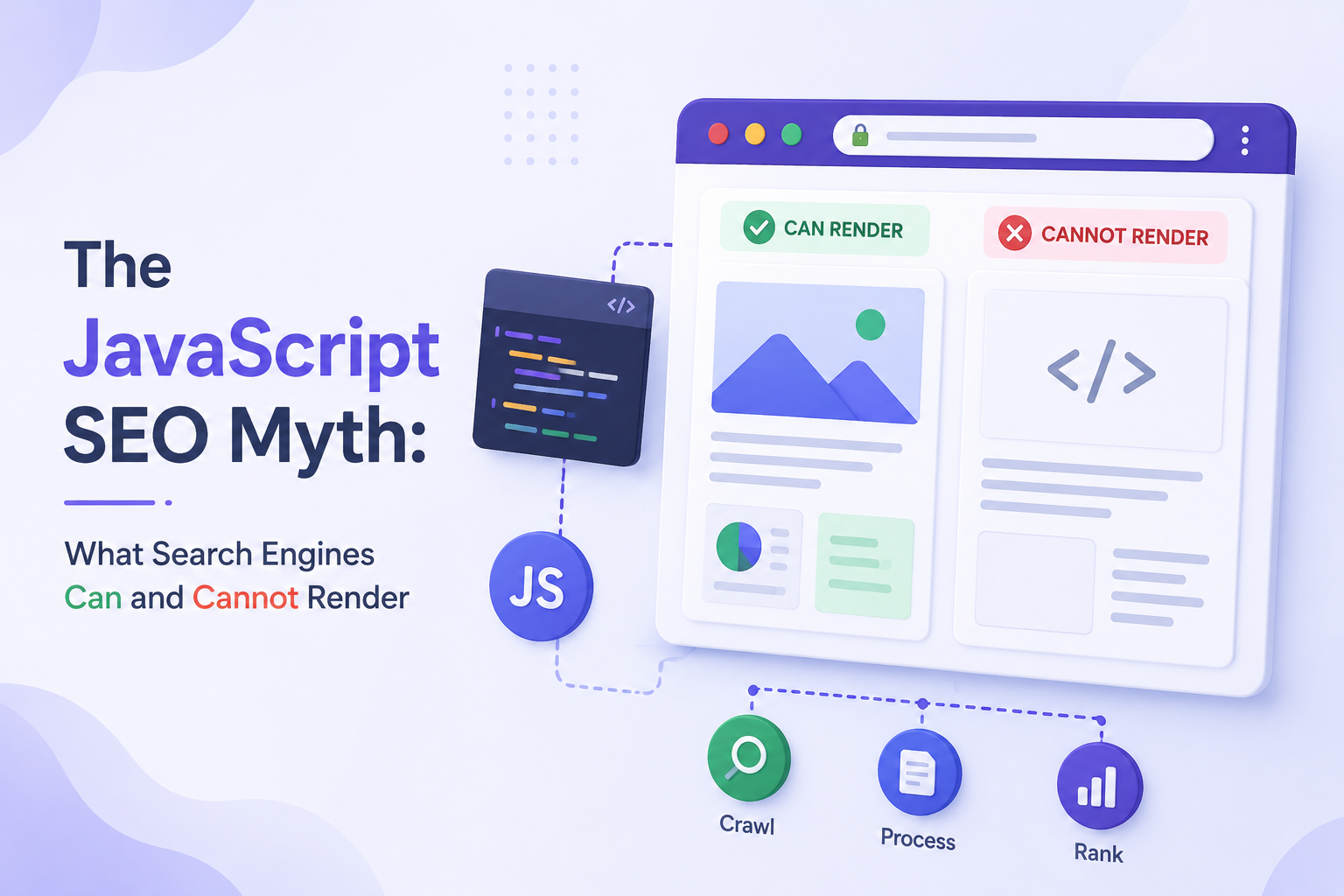
“Google can handle JavaScript.”
This statement is true. It is also one of the most damaging half-truths in modern web development.
Because of it, teams have shipped client-side rendered React apps and watched their organic traffic stall. Content managers have published hundreds of posts that took weeks to index. Developers have argued against SSR migrations because “Google handles JavaScript fine now.” And throughout all of this, AI search products — which do not handle JavaScript at all — have been invisibly excluded from the conversation.
This article does not argue that JavaScript is bad or that React is incompatible with SEO. It argues for precision: understanding exactly what generative engines and AI systems can render, cannot render, and render imperfectly — so you can make decisions based on reality rather than reassuring generalities.
The Five JavaScript SEO Myths
Myth 1: “Google renders JavaScript just like a browser, so CSR is fine.”
Reality: False. Google uses a headless Chromium instance to render JavaScript, but this rendering happens in a queue — not in real time. There is a delay between when Googlebot fetches your page and when it renders the JavaScript. That delay can range from hours to weeks depending on your site’s crawl priority.
A full browser renders JavaScript in milliseconds. Google’s rendering queue can take days. These are not the same thing.
More critically: Google’s rendering is imperfect. Complex JavaScript interactions, API-dependent content, and certain React patterns can fail to render correctly in Google’s headless environment even when they work perfectly in a real browser.
Myth 2: “If Google can render it, all generative engines can.”
Reality: False. Google is uniquely sophisticated among crawlers. GPTBot, PerplexityBot, ClaudeBot, and OAI-SearchBot do not execute JavaScript at all. Bingbot has limited rendering capability. No AI search product matches Google’s rendering capability.
A site that “works fine for Google” because Google eventually renders its JavaScript may be completely invisible to every AI search product — which now represents a growing and significant share of information discovery.
Myth 3: “Adding prerendering solves the JavaScript problem.”
Reality: Partially true, often misconfigured. Prerendering — using a service like Prerender.io to serve pre-built HTML snapshots to crawlers — is a legitimate technical approach. But it introduces complexity that frequently breaks in practice:
- Prerendering services need to be kept in sync with your actual content. Stale snapshots mean stale indexed content.
- User-agent detection (serving HTML to bots, JavaScript to humans) can be misconfigured, resulting in crawlers still receiving the JavaScript version.
- Some AI crawlers have user-agent strings that are not recognized by prerendering configurations, so they bypass the snapshot and receive the empty CSR shell anyway.
- Google explicitly prefers server-side rendering over prerendering and notes that prerendering is an imperfect solution.
Prerendering is better than nothing. It is not a substitute for SSR or SSG, and it adds a failure surface that does not exist when you render server-side by default.
Myth 4: “My React site ranks well, so JavaScript rendering is not an issue.”
Reality: Correlation, not causation. A React site that ranks well is not evidence that JavaScript rendering is not a problem — it is evidence that Google eventually rendered the content despite the JavaScript, and that the content and authority signals were strong enough to rank.
Consider what you are comparing it against. How much faster would that same content rank if it were server-rendered and indexed on Wave 1 rather than Wave 2? How often does freshly published content take weeks to appear in results while a server-rendered competitor is indexed within hours?
More importantly, ranking on Google says nothing about AI visibility. A React site can rank on Google and be absent from every AI-generated answer — because AI crawlers never successfully extracted the content.
Myth 5: “Schema markup in JavaScript is fine.”
Reality: Risky and unreliable for AI crawlers. JSON-LD schema injected by client-side JavaScript — a common pattern in React apps using react-helmet, next/head (without server rendering), or similar libraries — reaches Google after its rendering queue processes the page. It does not reach AI crawlers at all.
Schema that exists only after JavaScript execution is invisible to GPTBot, PerplexityBot, ClaudeBot, and OAI-SearchBot. Those crawlers never see your FAQPage markup, your Article schema, your Organization entity. The structured data you invested in communicating to AI systems is not communicating with them.
The correct implementation: JSON-LD schema in a <script type="application/ld+json"> tag inside the server-rendered <head>. This ensures every crawler receives it immediately, without any dependency on JavaScript execution.
JavaScript Rendering Reality: What Google Actually Does
To move past the myths, here is a precise account of how Google’s JavaScript rendering pipeline actually works in 2026.
Wave 1: The Immediate Pass
When Googlebot fetches a URL, it immediately processes whatever HTML the server returns. Content present in this initial HTML response is indexed right away — typically within hours for a crawled page.
For a server-rendered or statically generated page, Wave 1 captures everything: all body content, headings, metadata, schema, internal links. The page is fully indexed in a single pass.
For a client-side rendered page, Wave 1 captures: the page title (if it’s in the shell), perhaps a generic meta description, and the JavaScript bundle references. None of the actual content is indexed at this stage.
The Rendering Queue
Pages that require JavaScript rendering are placed in a queue. Google’s rendering infrastructure processes this queue using headless Chromium — essentially a browser without a visible interface.
The queue is not immediate. Googlebot has billions of pages to manage. Your JavaScript-rendered page is one item in a very long queue. High-authority, frequently crawled sites may see their pages rendered within hours. Lower-priority sites may wait days or weeks.
Google does not publish queue processing times. The delay is variable and not under your control.
Wave 2: The Rendered Pass
When the headless browser processes your page in the queue, it executes JavaScript, waits for the DOM to stabilize, and captures the rendered HTML. This rendered version is then indexed — updating or supplementing what was captured in Wave 1.
If your content only exists after JavaScript execution, Wave 2 is the moment your content enters Google’s index.
The critical implication: any content that depends on JavaScript rendering can only be indexed as fast as the rendering queue moves. You cannot accelerate this. You cannot guarantee it will happen within any particular timeframe. Server rendering eliminates this uncertainty entirely.
What Google’s Own Documentation Says
Google’s developer documentation explicitly recommends server-rendering or pre-rendering for content you need indexed reliably. The guidance is not “JavaScript is fine” — it is “if your content matters for indexing, ensure it is available in the initial server response.”
This is the authoritative position from the system that actually does attempt JavaScript rendering. The message from the most capable crawler is: don’t depend on us to render your critical content.
Google vs AI Crawlers: A Precise Comparison
| Capability | Googlebot | GPTBot | OAI-SearchBot | PerplexityBot | ClaudeBot | Bingbot |
|---|---|---|---|---|---|---|
| Fetches HTML | Yes | Yes | Yes | Yes | Yes | Yes |
| Executes JavaScript | Yes (delayed) | No | No | No | No | Limited |
| Renders React/Vue/Angular | Yes (delayed) | No | No | No | No | Rarely |
| Reads server-rendered HTML | Yes | Yes | Yes | Yes | Yes | Yes |
Reads schema in <head> | Yes | Yes | Yes | Yes | Yes | Yes |
| Reads JS-injected schema | Yes (delayed) | No | No | No | No | Rarely |
Understanding the gap between Google’s capabilities and AI crawlers’ capabilities clarifies why a unified approach matters.
The bottom three rows tell the entire story. Everything that depends on JavaScript execution — content, schema, metadata — reaches Googlebot eventually. It reaches no AI crawler at all.
The Double Battle of CSR Sites
A client-side rendered site is simultaneously fighting two battles:
Battle 1 with Google: Content is indexed in Wave 2 (delayed), not Wave 1 (immediate). This creates indexing lag that harms freshness signals and competitive positioning for time-sensitive content.
Battle 2 with AI search: Content is never indexed at all. AI crawlers fetch the empty shell, extract nothing, and the page is absent from AI-generated answers regardless of its Google ranking.
Winning Battle 1 (eventually ranking on Google) provides no protection against losing Battle 2 (being invisible to AI systems). These are independent failures with a single architectural root cause.
Testing JavaScript Renderability: Four Methods
Before making architectural changes, confirm what crawlers actually see on your site. These tests require no specialist tools.
Method 1: curl (Fastest Diagnosis)
bash
curl -s https://yoursite.com/your-key-pageRead the output. Search for text you know appears on the page — a heading, a sentence from your intro paragraph, a product name. If you cannot find it in the curl output, that content is JavaScript-rendered and invisible to AI crawlers.
Method 2: Disable JavaScript in Chrome
- Open Chrome DevTools (
F12) - Command palette:
Cmd+Shift+P(Mac) orCtrl+Shift+P(Windows) - Type “Disable JavaScript” → select it
- Reload the page
What you see is approximately what AI crawlers see. A blank page or a loading spinner is a failed crawl for every AI search product.
Method 3: Google Search Console URL Inspection
The URL Inspection tool shows two views: “Crawled page” (raw HTML) and “Rendered page” (after JavaScript execution). Compare them.
Content that appears in the rendered view but not the crawled view is:
- Delayed in Google indexing (Wave 2 dependent)
- Invisible to all AI crawlers (permanently)
Method 4: View Page Source vs Inspect Element
Right-click on your page and select “View Page Source” — this shows the actual server response. Then right-click and select “Inspect” — this shows the current DOM state after JavaScript has run.
Compare the two. Body text, headings, product descriptions that appear in “Inspect” but not in “View Page Source” are JavaScript-rendered and crawler-invisible.
Practical Recommendations
Armed with accurate understanding of the rendering landscape, these recommendations follow directly:
Default to SSR or SSG for all public content pages. This eliminates both the Google Wave 2 delay and the AI crawler invisibility problem simultaneously. It is the single architectural decision that resolves the most visibility risk.
Implement schema markup server-side. JSON-LD in the server-rendered <head> reaches every crawler. Never rely on JavaScript injection for structured data on pages where AI citation matters.
Keep critical metadata server-rendered. Title tag, meta description, Open Graph tags, and canonical URL should all be present in the raw HTML response. Dynamic metadata that depends on JavaScript is fragile and unreliable across the crawler landscape.
If CSR is necessary, use dynamic rendering carefully. Dynamic rendering (serving pre-rendered HTML to bots, JavaScript to humans) is imperfect but better than pure CSR. Maintain it rigorously — stale snapshots are as bad as empty pages. Ensure your prerendering configuration recognizes all major AI crawler user-agents.
Audit your site by page type. List every category of page on your site (homepage, blog posts, product pages, landing pages, category pages). For each type, run the curl test and confirm the important content is present. Prioritize fixing the highest-traffic, highest-value page types first.
The Truth About JavaScript and Search
JavaScript is not the enemy of SEO. Dynamic, interactive experiences built with JavaScript frameworks can be fully visible to generative engines and AI systems — when the rendering strategy is correct.
The myth is not that JavaScript is incompatible with search. The myth is that “Google can handle it” means everything is fine. It means Google will eventually handle it, with a delay, imperfectly, with no guarantee of timeline.
And it means nothing at all for the AI search products that are reshaping how millions of users discover information.
The standard for 2026 is simple: content that matters for visibility should exist in the server response. Not eventually. Not after JavaScript runs. In the response, when the crawler arrives.
Running a JavaScript-heavy site and unsure what crawlers actually see? The Express Technical Audit runs automated Lighthouse, curl, and JavaScript-disabled tests across your key pages and returns a full renderability report — including which content is invisible to AI crawlers and exactly how to fix it. Results in under 5 minutes, no call required.
Next: WordPress SEO Explained: Why It Still Dominates Content Marketing →
← Previous: How Googlebot, GPTBot, and Other Crawlers Process Your Website
This article is part of a 20-article series on SEO, GEO, and AI Visibility. View the complete series →
Leave a Reply