WordPress powers over 43% of the web and dominates content marketing SEO. But a question is coming up more frequently as AI search reshapes discovery: does WordPress hold up when GPTBot, PerplexityBot, and ClaudeBot come calling?
The short answer is yes — more naturally than almost any modern alternative. The longer answer is that WordPress’s AI-friendliness is a default that can be systematically degraded by the choices most site owners make without realizing it.
This guide covers exactly how WordPress generates content for AI crawlers, where it holds a structural advantage over JavaScript-first frameworks, what schema capabilities its plugin ecosystem unlocks, and — critically — the specific misconceptions and configurations that quietly undo those advantages.
How WordPress Generates HTML: The AI Crawlability Foundation
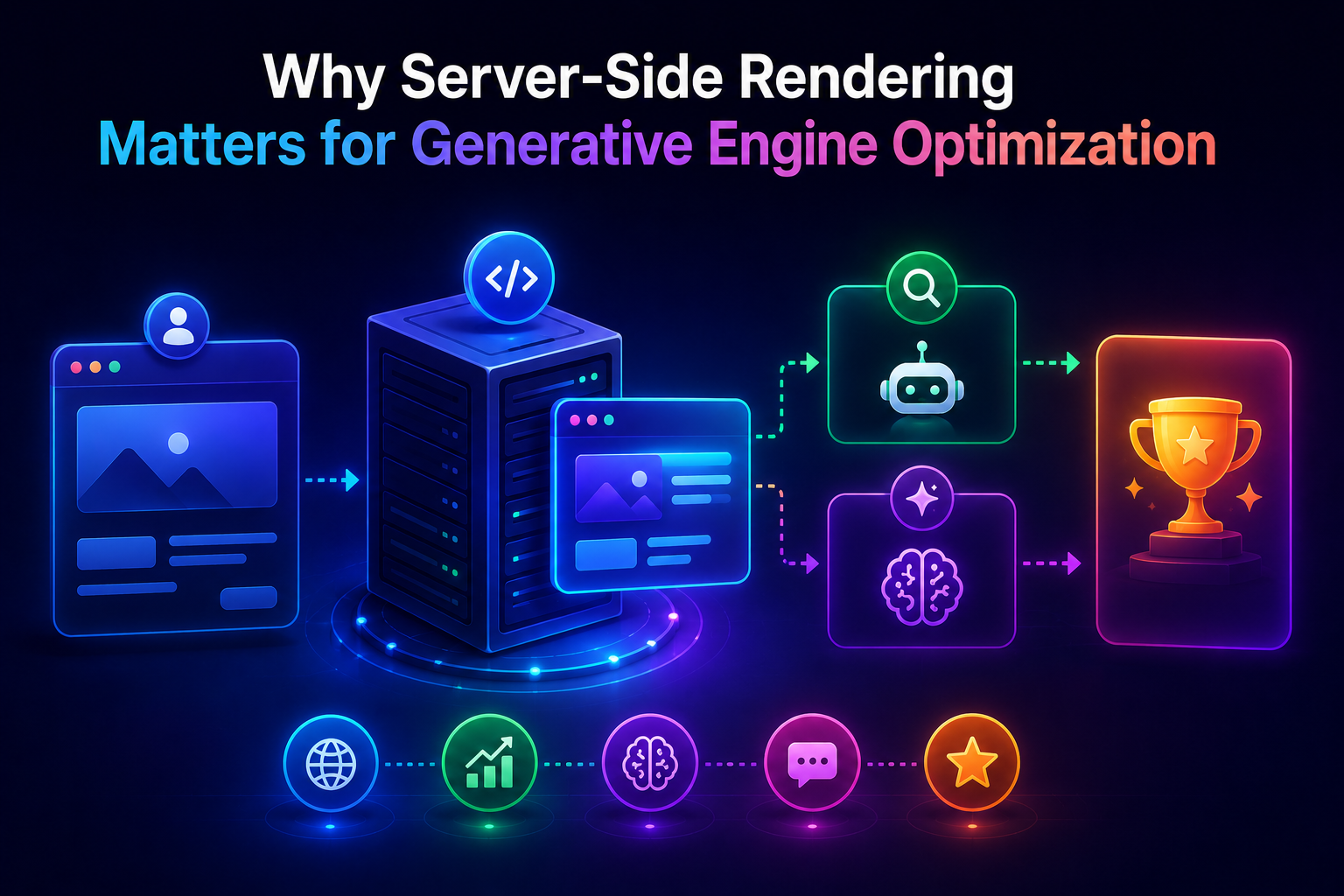
WordPress is PHP-based server-side rendering by default. Every time a visitor — or a crawler — requests a WordPress URL, the server runs PHP code, queries the database, assembles the full page HTML, and returns a complete document in the HTTP response.
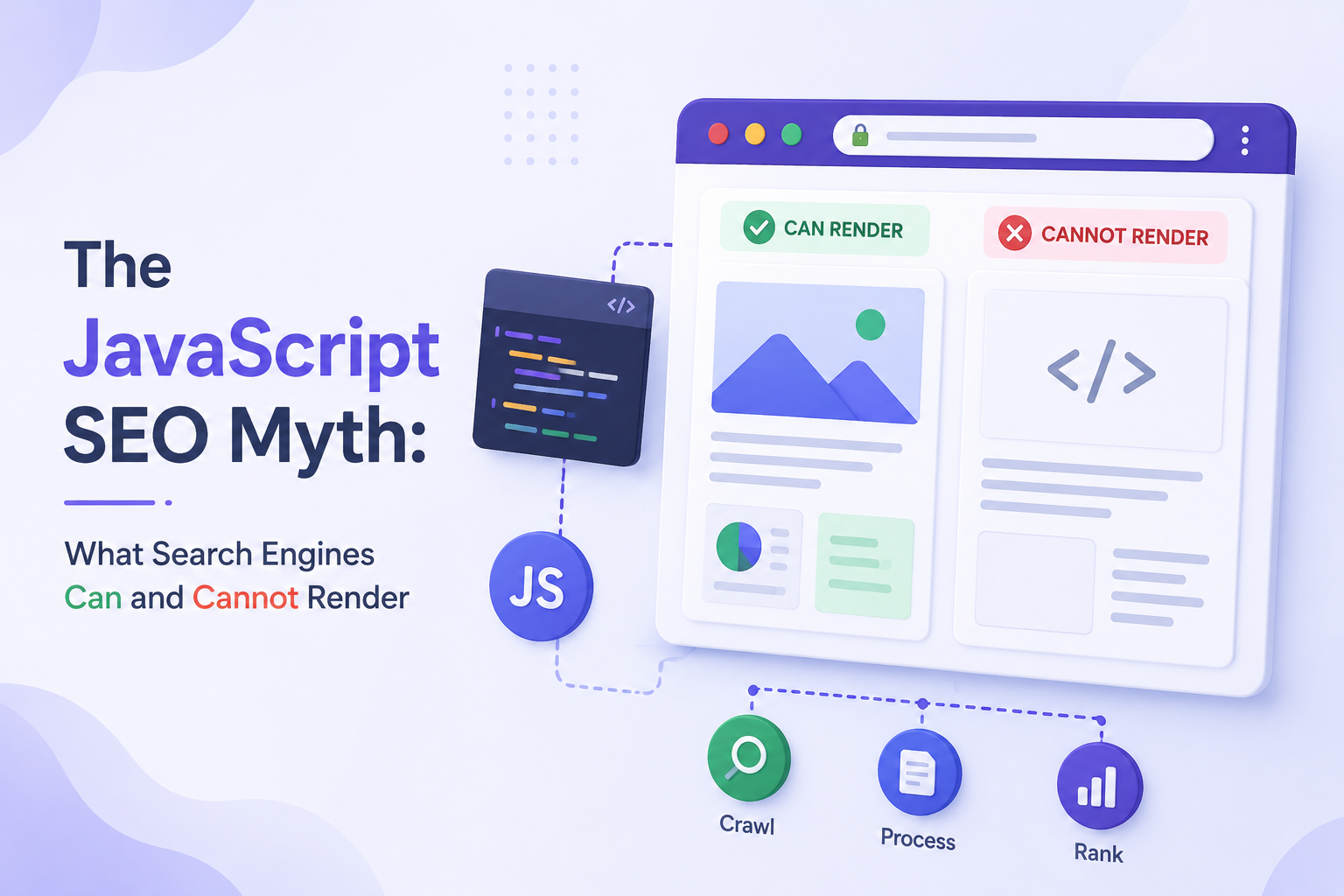
This is the behavior AI crawlers need. GPTBot, PerplexityBot, ClaudeBot, and OAI-SearchBot all fetch the raw HTTP response and extract whatever content they find there. They do not execute JavaScript. They do not wait for dynamic content to load. What is in the HTML when the response arrives is all they ever see.
WordPress delivers everything in that response: the page title, the meta description, the H1, every paragraph of body content, all heading substructure, navigation links, and — when properly configured — JSON-LD schema markup. A crawler visiting a WordPress page gets a complete content map on the first fetch, every time.
What a WordPress HTTP Response Looks Like to a Crawler
When GPTBot visits a standard WordPress article, the first 50 lines of the HTML response contain:
<title>— the exact post title<meta name="description">— the SEO meta description from Yoast or Rank Math<link rel="canonical">— the authoritative URL- Open Graph tags —
og:title,og:description,og:type - JSON-LD schema — Article, BreadcrumbList, Author (if configured)
<h1>— the post title again, in the body- The first paragraph of content
All of this before the crawler has read past the initial <head> section. By the time it reaches the first <h2>, it has already extracted enough to understand the topic, the author, the publication date, and the content type.
This is what server-side rendering means in practice. It is not a technical aspiration — it is the default behavior of every WordPress installation since version 1.0.
The Contrast With JavaScript-First Frameworks
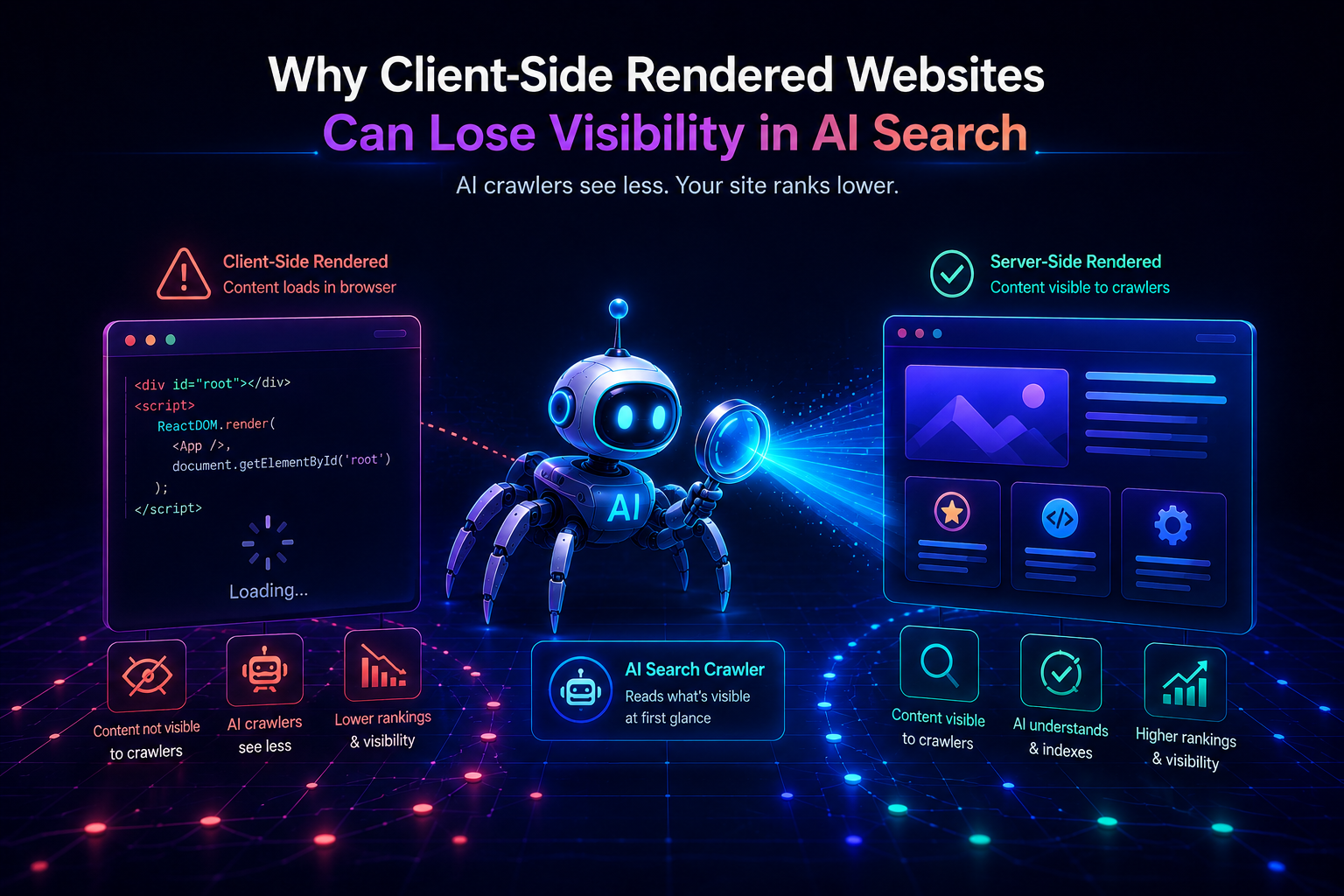
A React application built with Create React App or Vite delivers this to the same crawler:
html
<div id="root"></div>
<script src="/assets/index-Bx3kHd.js"></script>
No title. No meta description. No H1. No content. The crawler reads the file, finds nothing, and moves on.
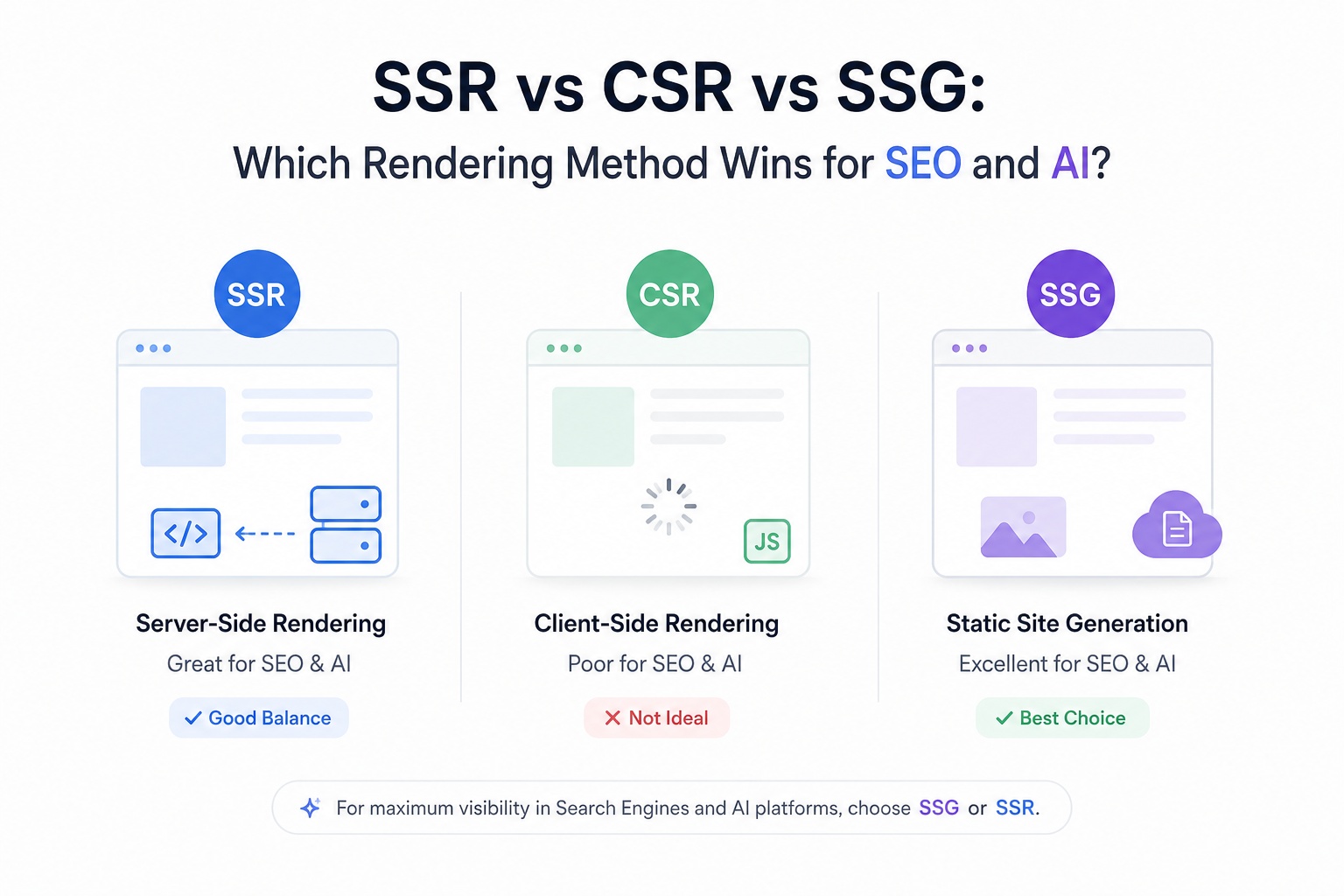
WordPress’s PHP rendering is not sophisticated or modern by framework standards. But for AI crawlability, it does exactly the right thing — it puts the content in the response.
AI Crawlability Benefits WordPress Delivers by Default
Immediate Full-Content Accessibility
Every post, page, category archive, and tag page on a WordPress site delivers its complete content in the server response. There is no content that requires JavaScript execution to appear. This means:
- Training crawlers (GPTBot, ClaudeBot) collect the full text of every published page
- Retrieval crawlers (OAI-SearchBot, PerplexityBot) can cite specific paragraphs at query time
- Google’s Wave 1 indexing captures everything immediately, without waiting for Wave 2 rendering
For a content-heavy site — the kind of site WordPress is most commonly used for — this is the most important technical fact about the platform.
Semantic Heading Structure
WordPress’s block editor (Gutenberg) enforces semantic heading structure through its editing interface. When a writer uses the Heading block and selects H2, WordPress outputs a proper <h2> tag. When they create a list, it outputs <ul> or <ol>. Tables use <table>.
This matters because AI crawlers parse HTML heading structure to understand content organization. A page with a clear H1 → H2 → H3 hierarchy gives AI systems an explicit content map:
- H1: the primary topic of the page
- H2: the major sections and the questions each one answers
- H3: the specific subtopics within each section
A WordPress post written in Gutenberg with deliberate heading structure is inherently more AI-citable than the same content written as undifferentiated paragraphs — because the structure tells the crawler where each answer begins and ends.
Internal Linking Through Taxonomy
WordPress’s built-in taxonomy system — categories, tags, and custom taxonomies — creates a natural internal link architecture that helps AI crawlers discover and navigate content.
Every published post automatically appears in:
- Its category archive page (linked from navigation)
- Its tag pages (linked from the post itself)
- The main blog index
- Any “Related Posts” widgets or blocks
This means new content is immediately linked from multiple existing pages — giving AI crawlers multiple discovery paths without any manual link-building effort. For large sites publishing frequently, this automatic internal linking is a significant crawlability advantage.
XML Sitemap Generation
Yoast SEO and Rank Math both generate XML sitemaps automatically, updating them the moment new content is published. The sitemap includes:
- All published posts and pages
<lastmod>dates that update when content is modified- Priority and change frequency signals
- Image sitemaps for media-rich content
Accurate <lastmod> dates are particularly important for retrieval-based AI crawlers like PerplexityBot. Freshness is a citation factor — content with recent modification dates is prioritized for real-time AI answers over content that appears stale.
Schema Advantages: WordPress’s Plugin Ecosystem Delivers Structured Data at Scale
Schema markup — JSON-LD structured data — is one of the highest-leverage technical investments for AI visibility. It gives AI systems explicit, machine-readable metadata about content: what type it is, who wrote it, when it was published, what questions it answers.
WordPress’s plugin ecosystem provides schema generation capabilities that would require significant custom development on any other platform.
What Rank Math and Yoast Generate Automatically
Every post published through a properly configured WordPress site with Rank Math or Yoast SEO automatically receives:
Article schema:
json
{
  "@type": "Article",
  "headline": "Post title",
  "author": {
    "@type": "Person",
    "name": "Author name",
    "url": "Author profile URL"
  },
  "datePublished": "2026-01-15",
  "dateModified": "2026-03-20",
  "publisher": {
    "@type": "Organization",
    "name": "Site name"
  }
}
BreadcrumbList schema — on every post and page, showing the content hierarchy.
WebSite schema — on the homepage, with SearchAction for sitelinks search box.
These are generated server-side, in the <head> of the HTML response. They reach every AI crawler that visits — no JavaScript dependency, no configuration required beyond the initial plugin setup.
FAQPage Schema — The Highest-Value AI Citation Format
FAQPage schema is the single most citation-friendly schema type for AI systems. It formats content as explicit question-and-answer pairs that AI systems can extract and use directly:
Common Misconceptions About WordPress and AI Search
Misconception 1: “WordPress Is Old Technology, So AI Systems Don’t Trust It”
False. AI systems don’t evaluate the age or technical sophistication of the CMS generating the content. They evaluate the content itself: is it accessible, is it well-structured, is it authoritative, is it accurate?
A WordPress site with excellent content, proper semantic structure, and comprehensive schema markup will be cited by AI systems over a technically sophisticated Next.js site with equivalent content that is poorly structured or schema-deficient.
The CMS is invisible to AI crawlers. The HTML it produces is not.
Misconception 2: “I Need to Rebuild in Next.js to Be AI-Visible”
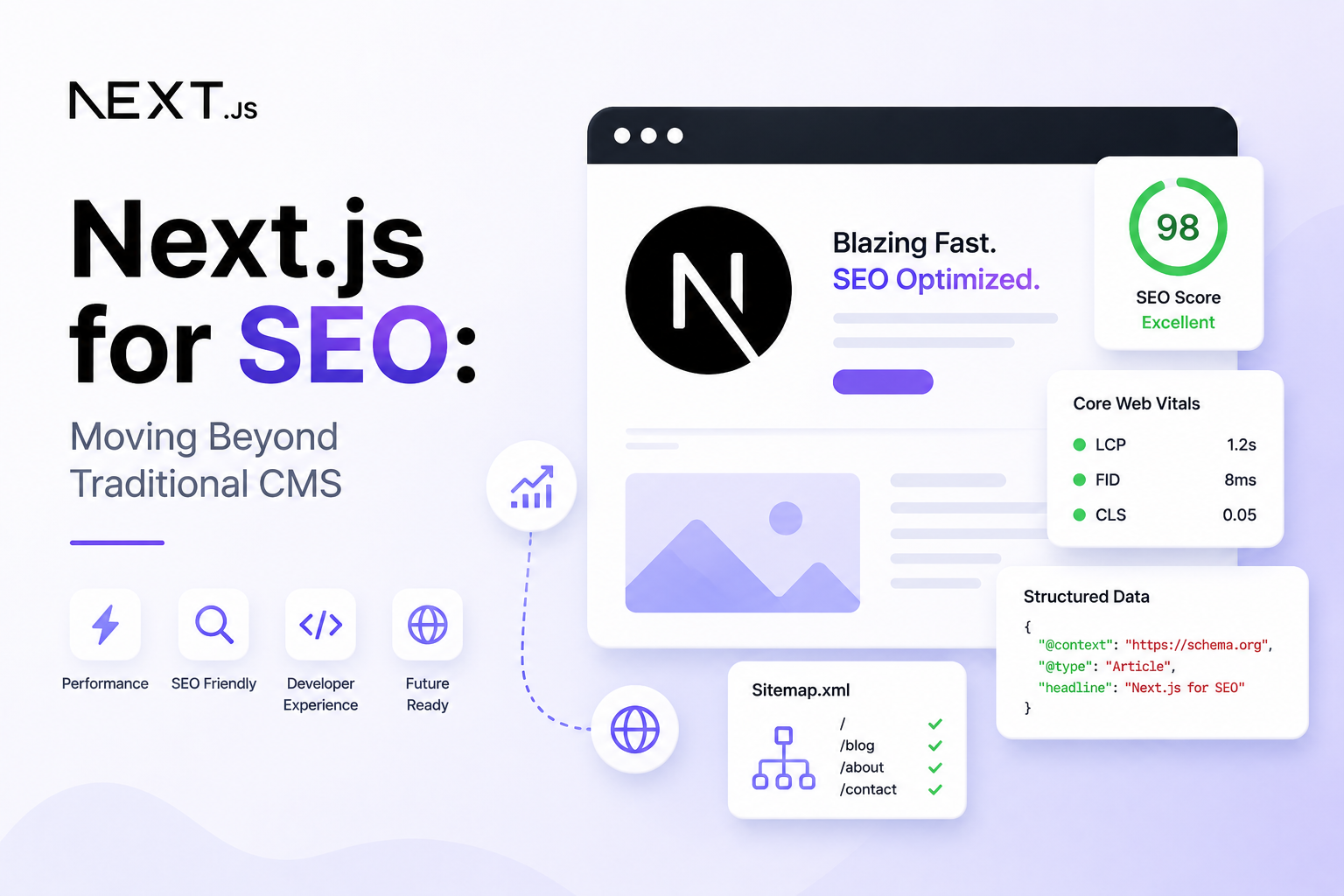
False — for most WordPress sites. A Next.js rebuild makes sense for specific technical and organizational reasons (discussed in Articles 13 and 14). AI visibility is not one of them, unless your WordPress site has been degraded by JavaScript-heavy page builders, aggressive caching misconfigurations, or performance problems that make it crawl-unfriendly.
A well-configured WordPress site running on quality hosting with WP Rocket and a lightweight theme outperforms many Next.js implementations for AI crawlability — because WordPress’s PHP rendering is consistent and reliable in a way that client-side React is not.
Before planning a rebuild, run the diagnostic tests from Article 3: curl your key pages, disable JavaScript in your browser, check Google Search Console’s URL Inspection tool. If your content is in the HTML response, your rendering architecture is not the problem.
Misconception 3: “More Plugins Means Better AI Visibility”
False — and frequently the opposite. Each plugin adds PHP execution overhead, database queries, and potentially client-side JavaScript. A WordPress site with 40+ active plugins may:
- Load slowly enough that crawlers time out before completing the fetch
- Fail Core Web Vitals thresholds that affect Google ranking
- Inject client-side JavaScript that overwrites or delays content that was already in the server response
Plugin bloat is the most common reason a WordPress site that should be AI-friendly isn’t. The plugin count is not a measure of capability — it is a measure of overhead. Keep the stack lean: one SEO plugin, one caching plugin, one security plugin, one performance plugin. Everything else needs to justify its presence.
Misconception 4: “WordPress Themes Handle SEO Automatically”
Partially true, frequently false. Premium themes from reputable developers (GeneratePress, Kadence, Blocksy, Astra) produce clean, semantic HTML and reasonable default heading structures. Many cheaper or older themes do not.
Specific theme problems that hurt AI crawlability:
- Using
<h2>and<h3>tags for visual styling rather than content hierarchy - Rendering the post title outside of an
<h1>tag — or using multiple H1s - Loading excessive JavaScript from visual builders that slows TTFB
- Generating bloated HTML with dozens of unnecessary wrapper divs that bury content
Verify your theme’s HTML output with View Page Source. Check that the post title is in an <h1>, that content headings are in sequential H2/H3 tags, and that the main content appears early in the document — not buried after sidebars, widget areas, or navigation HTML.
Optimization Tips: Making WordPress Maximally AI-Visible
1. Audit Your robots.txt for AI Crawlers
Your robots.txt file may be blocking AI crawlers without your knowledge. Check it directly at yourdomain.com/robots.txt.
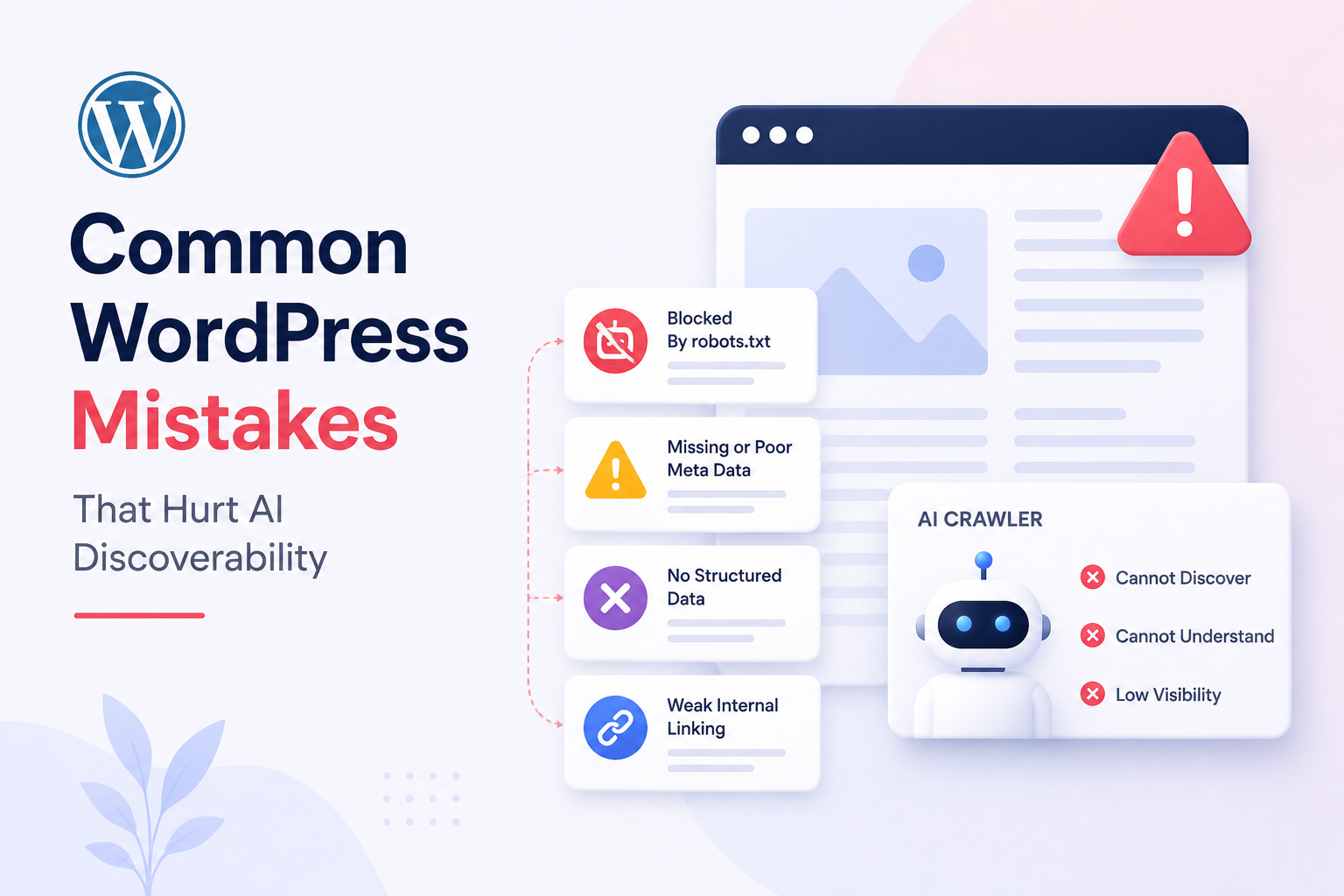
The default WordPress robots.txt is minimal and permissive. The problem arises from security plugins (like Wordfence or iThemes Security) that add aggressive disallow rules, or from SEO plugins that block crawlers from admin areas but inadvertently block content paths too.
Ensure these crawlers are explicitly allowed or not blocked:
User-agent: GPTBot
Allow: /

User-agent: PerplexityBot
Allow: /

User-agent: OAI-SearchBot
Allow: /

User-agent: ClaudeBot
Allow: /
2. Choose a Theme Built for Performance and Semantics
Recommended themes for AI-crawlable WordPress:
- GeneratePress — minimal HTML output, semantic structure, sub-100KB page weight
- Kadence — clean blocks, good Core Web Vitals defaults, no bloat
- Blocksy — fast, lightweight, proper heading hierarchy
- Astra — widely tested, consistently good semantic output
Avoid for content sites: Divi, Elementor Hello (when used with Elementor), WPBakery-dependent themes. These generate excessive wrapper markup and JavaScript that degrades crawlability.
3. Implement a Complete Schema Strategy
Do not rely on the default schema your SEO plugin generates. Build a deliberate schema stack:
| Content Type | Schema Type | Tool |
|---|---|---|
| All blog posts | Article | Rank Math / Yoast (auto) |
| All pages | WebPage | Rank Math / Yoast (auto) |
| Homepage | Organization + WebSite | Rank Math / Yoast (auto) |
| All content | BreadcrumbList | Rank Math / Yoast (auto) |
| FAQ sections | FAQPage | Rank Math FAQ Block |
| How-to guides | HowTo | Rank Math / Schema Pro |
| Author pages | Person | Rank Math Author Schema |
Validate every schema type at search.google.com/test/rich-results after implementation. Fix every error — schema with errors provides no benefit and can create misleading signals.
4. Configure Caching for Crawler Speed
AI retrieval crawlers (OAI-SearchBot, PerplexityBot) operate in real time. A page that takes 3 seconds to respond may be skipped entirely during a live retrieval fetch.
Target: TTFB under 200ms with caching active.
Minimum caching stack:
- Page cache: WP Rocket or LiteSpeed Cache — pre-built HTML served without PHP execution
- Object cache: Redis or Memcached for database query results (available on most managed hosts)
- CDN: Cloudflare (free tier adequate for most sites) or a managed host’s built-in CDN
With this stack, most WordPress pages can achieve sub-100ms TTFB from cached responses — comparable to static site generation speeds.
5. Write Content That Earns Citations, Not Just Rankings
AI systems don’t just need to access your content — they need to find it worth citing. The technical foundation covered above makes your content accessible. These content practices make it citable:
- Answer-first structure: open every H2 section with a direct answer to the implicit question, then elaborate
- Short paragraphs: 3–5 sentences maximum — AI systems extract paragraph-sized chunks for citation
- Tables for comparisons: structured tabular data is highly citation-friendly
- FAQ sections: use Rank Math’s FAQ block to add FAQPage schema automatically
- Specific, verifiable claims: AI systems prefer content with concrete details over vague generalities
The WordPress AI Crawlability Verdict
WordPress is not just adequate for AI search visibility — in its properly configured form, it is one of the most AI-crawlable publishing platforms available. PHP-based server rendering, automatic semantic HTML output, comprehensive schema through plugins, and automatic sitemap generation combine to deliver exactly what AI crawlers need on every page request.
The risk is not the platform. The risk is the drift from defaults: plugin accumulation, theme choices that compromise HTML quality, caching misconfigurations, and robots.txt rules that silently block AI crawlers.
Audit those four things on your WordPress site today. If they are clean, your WordPress setup is more AI-visible than most Next.js sites built without deliberate attention to server rendering and schema.
Want to know exactly how AI crawlers are reading your WordPress site right now? The Answer Engine Visibility Diagnostic tests your pages against GPTBot, PerplexityBot, OAI-SearchBot, and ClaudeBot — returning a full HTML accessibility report, schema validation results, and a prioritized fix list. Delivered automatically within minutes.
Next: Common WordPress Mistakes That Hurt AI Discoverability →
← Previous: WordPress SEO Explained: Why It Still Dominates Content Marketing
This article is part of a 20-article series on SEO, GEO, and AI Visibility. View the complete series →